














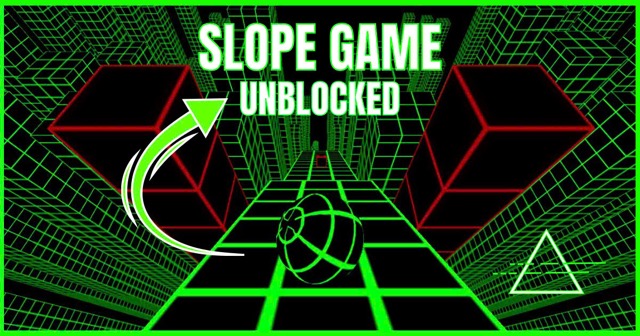
About Slope Unblocked
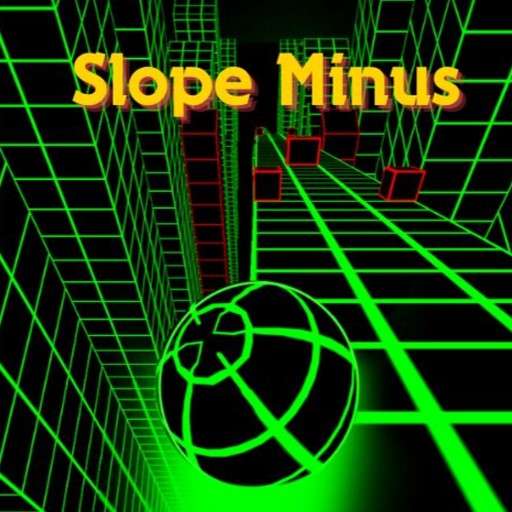
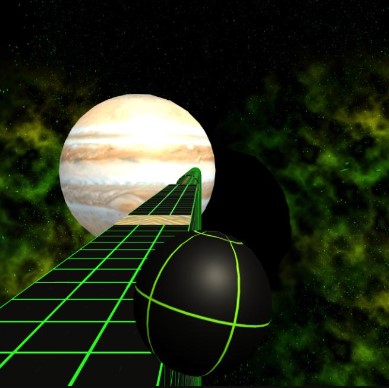
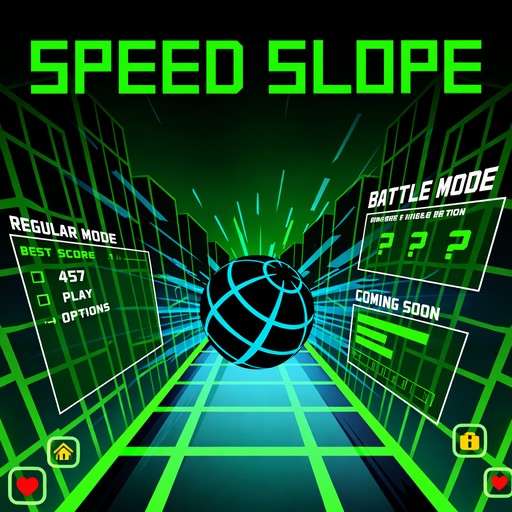
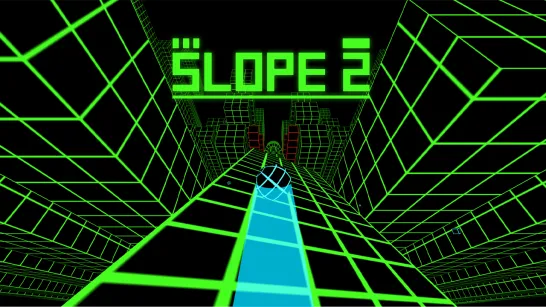
Slope Unblocked is a downhill ball game where the goal is to stay on a changing track for as long as you can. The ball moves forward automatically, and you steer left or right through bends, gaps, drops, and red obstacles. As the run gets faster, you have less time to decide where to go next. Hitting a red obstacle or falling from the track ends the attempt.
The controls are easy to learn, but a good run takes more than reacting to the obstacle directly in front of you. Each move changes where you enter the next section. A wide dodge might clear a block and still leave the ball beside an exposed edge. Learning to connect one safe movement to the next is the key to travelling farther.
How to Play Slope Unblocked
Start a run and follow the road downhill. Use either set of keys below to steer around red obstacles and keep the ball on the track. If the keyboard does not respond, click inside the play area and try again.
| Input | Action |
|---|---|
| Left Arrow or A | Steer left. |
| Right Arrow or D | Steer right. |
Begin with brief steering inputs. Hold a direction when the road calls for a longer turn, then release it once the ball is lined up with the outgoing section. Look for the connected route ahead, which may lie to either side of the screen. When the ball drops to a lower platform, prepare the approach before it reaches the edge.
Use Play Fullscreen for a larger view if your browser supports it.
A Simple Plan for Your First Runs
In an early attempt, focus on following the road rather than chasing a particular score. Watch the edges of the platform and make one correction at a time. This gives you a feel for how long to hold a direction before the ball reaches the line you want.
Once you can stay on a broad stretch, start looking farther ahead. Identify the next obstacle, then look for the track beyond it. If an attempt ends, notice whether the problem began before the obstacle, during the turn, or at the landing. Choose one of those moments to improve on your next run.
How to Steer Without Overcorrecting
A long key hold moves the ball farther sideways than a short tap. That can help on a broad turn, but it can also carry the ball off a narrow section after the immediate danger has passed. For a small adjustment, try a brief input and release it while there is still room to respond again.
Avoid treating the middle of the screen as a fixed destination. The useful position is the part of the road that connects to the next section. Sometimes the middle leaves room to move in either direction; at other times, an upcoming bend makes a position nearer one side more useful.
If you need to change direction twice, leave space between the two movements. For example, after steering left around a block, release the input before moving right toward the next platform. A clear pause between decisions can make it easier to see whether another correction is needed.
Reading Obstacles and Track Changes
A red block with space on both sides: Look past the block before choosing an opening. If the next platform connects on the left, a controlled move through the left opening may leave a better approach than a wide dodge to the right. The first safe gap is only part of the route.
A gap or drop between platforms: Find the supported landing area before leaving the current surface. Begin aligning with it while there is still road beneath the ball. After landing, read the new platform's edge before holding the same direction again; the road may continue on a different line.
A narrow or slanted section: Use the visible road edges to judge how much room you have. Make a smaller correction early instead of waiting until the ball is close to the edge. If the road bends, aim for the connection ahead instead of steering away from one edge without considering the other.
Obstacles close together: Treat the group as a sequence. A line that clears the first block should also leave enough space to approach the second. When the next opening is not yet clear, preserve room to adjust rather than committing to a long movement across the whole track.
Build a Higher Score as the Pace Increases
Slope rewards a longer run, but trying to force a record on every attempt can make you rush decisions. Start by finding a reliable approach to the first few sections. As the pace increases, move your attention farther along the track so you can make the next decision before the obstacle arrives.
At higher speed, the same long input can become harder to use safely because the next turn arrives sooner. Favor a short adjustment when it is enough to reach the opening, and reserve a longer hold for a route that clearly needs it. The aim is not to make the smallest movement every time; it is to stop steering once the ball is on a useful line.
Compare progress over several attempts. If you regularly clear the same early obstacles but fail after a drop, focus on the approach and landing there. If different sections cause trouble, practise keeping a clear view of the next connected platform instead of looking only at the ball.
Turn a Failed Run into a Useful Adjustment
Use the place where the mistake began to decide what to change:
| What happened | What to examine on the next attempt |
|---|---|
| The ball cleared a block, then went off the edge | You may have held the correction after the obstacle was already passed. End it earlier. |
| The ball missed the next platform | Check the approach before the drop, rather than changing only the input at the last moment. |
| A safe-looking gap led straight into another hazard | Read the following section before committing to the first opening. |
| The same long input becomes harder to control as the run gets faster | Shorten the adjustment and make the route decision earlier. |
| A second obstacle appears immediately after the first | Choose an opening that also leaves room for the following turn. |
When a similar obstacle arrangement appears again, change one part of the approach: choose the opening earlier, shorten the turn, or aim farther along the landing platform. Use the next result to decide which part of the route needs more attention.
If the Game Does Not Respond
If the game appears on the page but the arrow keys or A/D do nothing, click inside the game area first so it can receive keyboard input. If the page itself moves when you press an arrow key, click the game area again before starting a run.
If the game has not loaded, refresh the page and allow it a moment to load. A network or browser setting can affect access to a browser game's resources. On a managed school or work network, access also depends on that network's rules; the page name cannot override them.
Questions Before Your Next Run
Should I stay in the middle of the track?
Use the middle when it leaves room to move either way. When the next platform connects to one side, prepare for that connection instead of returning to the middle automatically.
How do I get a higher score in Slope Unblocked?
Keep the ball on the course for a longer run. Look beyond each obstacle, prepare for the next landing and shorten an input when it has already put the ball on the line you want. After a run ends, use the failure table above to pick one adjustment for the next attempt.
How do I get across a gap?
Line up with the next platform before the ball leaves the current one. Look for the part of the landing surface that connects to the following stretch, then avoid a prolonged sideways input that would carry the ball past the edge.
Why does the game feel harder later in a run?
The ball speeds up as the run continues, leaving less time to read each turn or obstacle. Looking farther ahead and beginning a correction sooner can give you more room to choose a route.
Does “Unblocked” guarantee access on a school or work network?
No. A browser game still depends on access to its embedded resources and on the network's rules. The page name cannot guarantee access from every device or connection.