

























About Sprunki
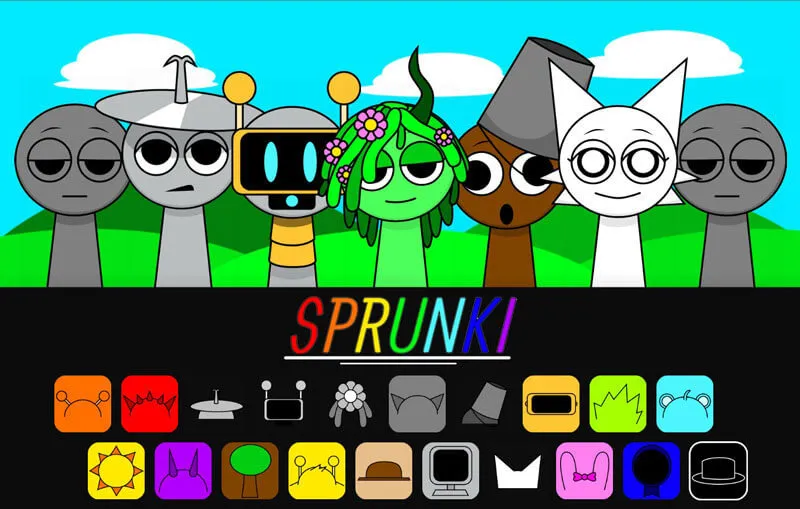
Sprunki is a music-mixing experience in which characters contribute sound layers. Arrange a combination, listen to the result and change one part at a time. Comparing a single layer helps reveal whether it adds a useful rhythm or masks something already in the mix.
How to Play Sprunki
Drag a sound icon onto an available character to add its layer. Start with a rhythm, listen through a loop, then add another sound and compare the combination. Build up the arrangement gradually so that each new voice or effect has room to be heard.
Build a Mix One Layer at a Time
Drag a sound icon onto an available character to add its contribution. Start with a rhythm, listen through the loop and then add a second layer. Keeping the first combination small makes it easier to hear what the new sound contributes.
Compare one change at a time when the arrangement feels crowded. A voice or effect can add variety, but it is useful when it has room to be heard alongside the rhythm already in the mix.
Controls
| Input | Action |
|---|---|
| Click, drag and drop a sound icon onto a character | Add that sound to the mix. |
Practical Tips
- Change one layer at a time so you can hear what each addition contributes.
- Leave space between dense rhythmic parts instead of filling every slot before evaluating the mix.