











About Railway Runner 3D
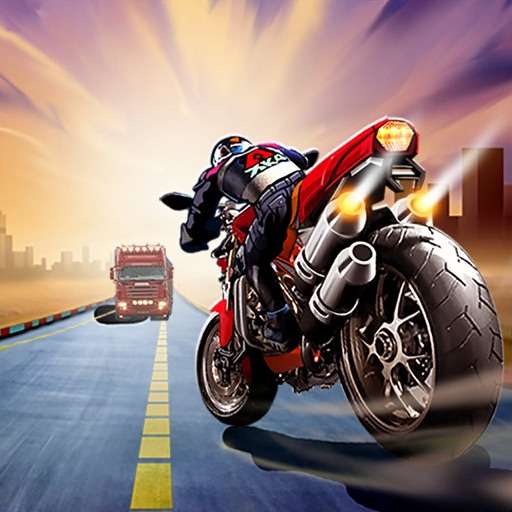
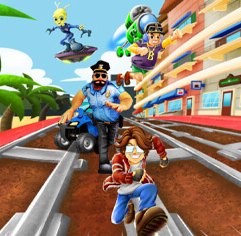
Railway Runner 3D is an escape along train tracks with obstacles in the runner's path. The useful decision is choosing a clear route that continues beyond the next train or barrier.
How to Play Railway Runner 3D
Use Left/Right Arrow to move between lanes, Up to jump and Down to slide. Press Space for the hoverboard when it is available. Look ahead for the next train or barrier before moving toward a pickup; landing in a different lane is useful only if that lane stays clear.
Read the Lane Beyond the Train
Change lanes with Left and Right, jump with Up and slide with Down. Before moving toward a pickup, look past the nearest train or barrier to see whether the new lane remains open. A safe lane change should leave time for the next jump or slide.
Space uses the hoverboard when available. Continue to choose a clear route after activating it rather than treating a pickup line as safe without regard to the next train.
Controls
| Input | Action |
|---|---|
| Left / Right Arrow | Change lanes. |
| Up Arrow | Jump. |
| Down Arrow | Slide. |
| Space | Use the available hoverboard. |
Practical Tips
- Check the track beyond a train before changing into its lane.
- Prefer an open continuation to a late collection detour that leaves no room for the next obstacle action.