















1. Ball Rolling Slope Overview
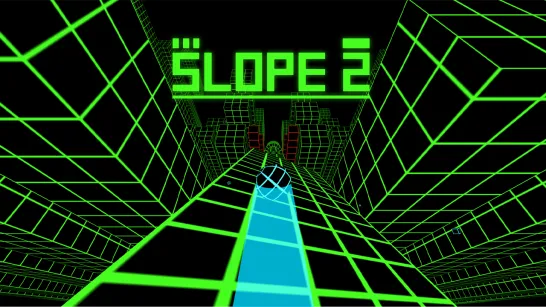
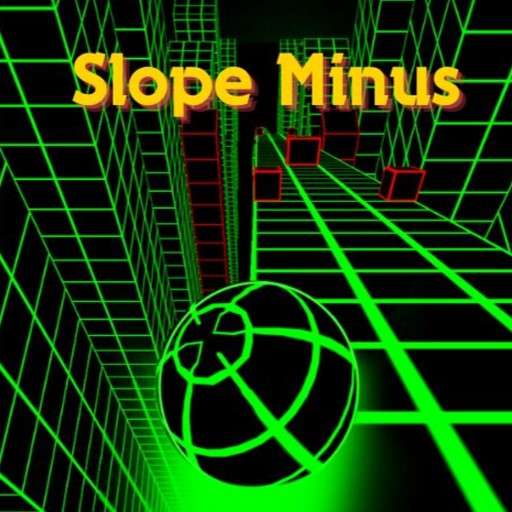
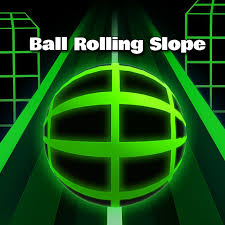
Ball Rolling Slope is a neon-lit endless arcade game that fuses the tension of speed-run games with the precision demands of a platformer. A glowing ball tears down dynamic, ever-changing neon slopes while you steer it through red blocks and barriers, collecting diamonds and staying on the course for as long as physics — and your reflexes — allow. The longer the run, the faster the ball moves, and the faster the ball moves, the less time you have for each decision. It's a feedback loop that's immediately understandable and endlessly compelling.
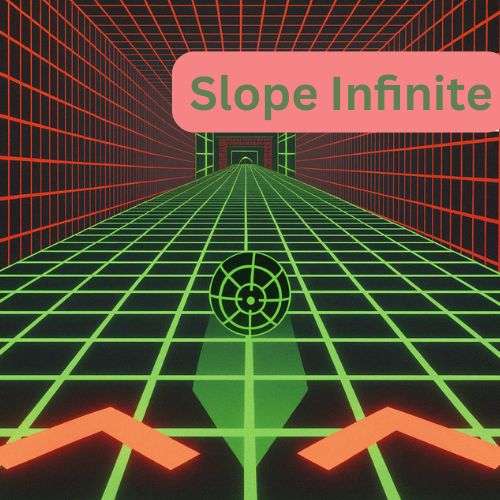
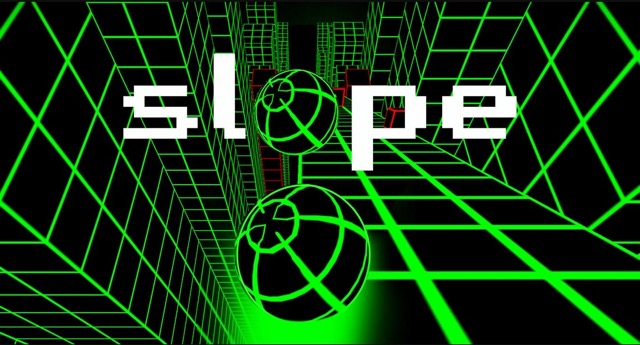
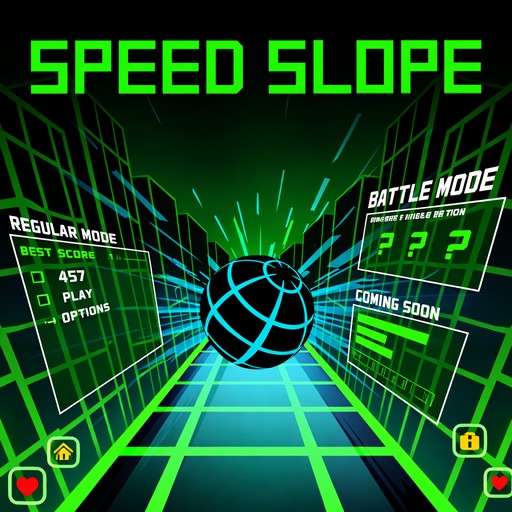
The neon visual design is striking and functional in equal measure. The glowing ball against luminous slope geometry creates a high-contrast environment where obstacles and track edges are readable at speed — a practical advantage in a game where fractions of a second define the difference between a near-miss and a collision. The dynamic course design ensures no two runs follow identical geometry, keeping the spatial challenge genuinely fresh across repeated sessions.
What Ball Rolling Slope gets particularly right is its multi-platform accessibility. Desktop players use arrow keys or A/D for precision keyboard control; mobile players have swipe or tilt options that feel native rather than compromised. This isn't a game that treats mobile as an afterthought — the tilt control in particular takes advantage of the device's gyroscope for an intuitive physical experience that keyboard play can't replicate. Whether you're at a desk or on a phone, Ball Rolling Slope delivers the same challenge with controls that fit your device naturally.
Key Details:
| Genre: | Endless Runner / Neon Arcade |
| Difficulty Level: | Medium to Hard (increases with speed) |
| Average Play Time: | 5–15 minutes per run |
| Best For: | Speed-run and platformer fans; mobile and desktop players equally; diamond-collection progression enthusiasts |
How to Play Ball Rolling Slope?
Getting Started:
- The ball begins rolling automatically down the neon slope — steer from the very first second.
- On desktop, use arrow keys or A/D to steer. On mobile, swipe left/right or tilt your device.
- Dodge red blocks and barriers — any contact ends the run immediately.
- Collect diamonds scattered along the track to build your shop balance.
- Visit the shop to unlock new ball skins or purchase magnets and x2 collectibles to enhance future runs.
Basic Controls:
| Platform | Action | Input |
| Desktop | Steer Left | ← Left Arrow or A |
| Desktop | Steer Right | → Right Arrow or D |
| Mobile | Steer | Swipe Left or Right |
| Mobile | Alternative | Tilt Device |
Objective: Roll the glowing ball as far as possible on the neon slopes by dodging red blocks and staying on the course. Collect diamonds to unlock new ball skins and purchase power-ups in the shop.
Ball Rolling Slope Features & Highlights
✓ Neon slope visual design — glowing ball and luminous track geometry create a high-contrast, visually immersive environment that aids obstacle readability at speed
✓ Desktop and mobile controls — arrow key/A/D for desktop; swipe or device tilt for mobile — both feel native to their respective platform
✓ Diamond collection shop — diamonds fund new ball skin unlocks and power-up purchases, giving every run long-term progression value
✓ Speed-run meets platformer — the combination of escalating speed and precision obstacle avoidance creates a challenge that draws from both genre traditions
✓ Dynamic course design — ever-changing slope geometry ensures no two runs are geometrically identical
Ball Rolling Slope Tips & Strategies
Beginner Tips:
- On mobile tilt controls, calibrate your neutral position before the run — find a comfortable hold angle that keeps the ball centered, then tilt from there rather than from a flat baseline.
- Diamonds near the center of the track are always safe collection opportunities; only pursue off-center diamonds when the surrounding slope is clear of obstacles on both sides.
- Red blocks are visually distinct and appear clearly against the neon background — learn to pick them up at the edge of your forward visual scan rather than waiting until they're directly ahead.
Advanced Strategies:
- On desktop, develop a feel for input size at different speeds — the correction needed to dodge a red block at the game's starting speed is too large at high speed, causing overcorrection. Tighten your inputs as the ball accelerates.
- On mobile tilt, use smaller tilt angles as speed increases — the ball's lateral response to tilt input remains consistent, but the track passes faster, so the same tilt angle produces proportionally more displacement per unit of time at high speed.
- Use the magnet power-up when approaching visible diamond clusters rather than in open sections — its collection radius makes the most difference when diamonds are dense, not sparse.
What to Watch Out For:
- Speed normalization: After a few minutes at elevated speed, the pace starts to feel normal — which is precisely when it's most dangerous. Periodically remind yourself that the speed is higher than your sense of it and adjust your anticipation window earlier accordingly.
- Dynamic course geometry surprises: The course's changing geometry occasionally introduces sudden configuration shifts — a wider section that abruptly narrows, or a curve that bends more sharply than the preceding curves. Maintain a slight buffer of attention beyond the immediate obstacle field for geometric changes.
Ball Rolling Slope Elements Explained
Speed Escalation and the Run Arc: Ball Rolling Slope's difficulty engine is its speed escalation — the ball moves faster the longer the run lasts. This creates a run arc that has three natural phases. In the early phase, the pace is manageable and the run feels like a controlled challenge; collection and positioning feel deliberate. In the mid-phase, speed has increased enough to shrink reaction windows noticeably — the game starts demanding more from your reflexes than from your planning. In the late phase, only deeply practiced automatic responses can sustain survival; conscious decision-making can't keep up with the pace. Understanding which phase you're in and calibrating your play style accordingly — deliberate in the early phase, reactive in the late phase — is the meta-skill that extends run length most effectively.
Diamond Collection and Shop System: Diamonds are scattered throughout the neon course during each run and accumulate in a persistent balance that carries over between sessions. The shop offers two categories of purchase: cosmetic ball skins (unlocked with diamonds) and functional power-ups (magnets and x2 collectibles). The magnet broadens your diamond collection radius, letting you gather diamonds without steering off your safe line — particularly useful in fast sections where deviation is risky. The x2 collectible doubles diamonds gathered during its duration, effectively compressing the run count needed to reach the next unlock. Both power-ups are available in limited quantities and should be treated as strategic resources rather than passive bonuses.
Multi-Platform Controls: Ball Rolling Slope is one of the slope genre's most genuinely cross-platform games. The desktop control scheme (arrow keys or A/D) provides precision keyboard input suited to long sessions at a desk. The mobile swipe control translates quick directional intent — a short left swipe moves the ball left without requiring sustained hold input. The tilt control uses the device's gyroscope to let players steer by physically tilting the phone or tablet, creating an intuitive physical connection to the ball's movement that many mobile players prefer over tap-based input. The existence of three distinct input methods — rather than a single scheme adapted for other platforms — reflects a genuine design commitment to accessibility that serves each player type on their own terms.
Ball Rolling Slope Frequently Asked Questions
Q: How do I unlock new ball skins in Ball Rolling Slope? A: Collect diamonds during runs to build your balance, then visit the shop. Each ball skin has a diamond cost — browse the available options and purchase the one you want when your balance is sufficient.
Q: What's the difference between the swipe and tilt controls on mobile? A: Swipe gives you discrete left/right inputs — a quick swipe moves the ball in that direction. Tilt uses your device's gyroscope for continuous analog steering — the more you tilt, the more the ball moves. Many players prefer tilt for a more physical, intuitive feel; swipe is better for players who want precise, deliberate directional control.
Q: What should I do if I keep hitting red blocks? A: You're likely reacting to red blocks rather than reading them in advance. Extend your visual scan to pick up red blocks earlier in their approach — the moment you see one, identify which side has the clearest path and begin moving before the block is in your immediate vicinity.
Q: Is Ball Rolling Slope available on mobile? A: Yes — Ball Rolling Slope fully supports mobile play with both swipe and device tilt controls. It's designed for both desktop and mobile browsers with native-feeling input on each.
Q: Can I save my diamond balance and unlocked balls between sessions? A: Yes — your balance and purchased skins are saved in your browser between sessions. Clearing browser data or cookies may reset your progress.