



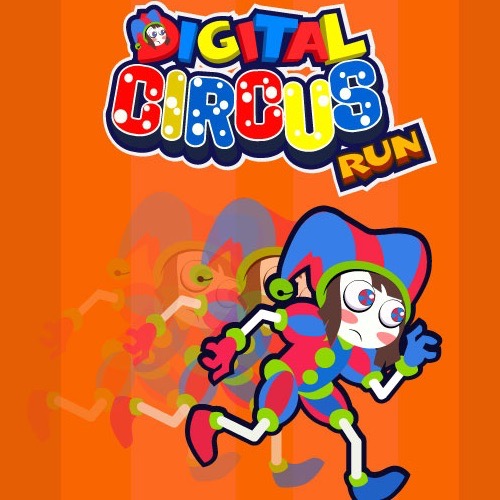
About Digital Circus Run
Digital Circus Run is a circus-themed platform runner with traps, enemies and jumps of different heights. A single click and a double click produce different jump heights, so the important choice is how much clearance the next obstacle needs rather than repeating the largest jump throughout a level.
How to Play Digital Circus Run
Click to start and jump. Use a double click when the route needs a higher jump, then watch where the character will land before preparing another action. Work through the level's obstacle sequence toward its endpoint.
Choose the Jump Height for the Landing
A single click or tap gives a jump, while a double input produces a higher one. Use the lower jump when it clears the immediate obstacle and leaves a straightforward landing; reserve the higher action for a route that needs the extra clearance.
An enemy or trap is only the first part of the decision. Look at the platform beyond it before taking off, then prepare the next action after the character has landed.
Controls
| Input | Action |
|---|---|
| Mouse click or screen tap | Start and jump. |
| Double click or double tap | Higher jump. |
Practical Tips
- Use the lower jump when it already clears the obstacle and leaves a simpler landing.
- Read the platform after an enemy before jumping; clearing the enemy is not enough if the landing is blocked.
Frequently Asked Questions
Should I double click for every jump?
No. Choose the action that fits the obstacle and the available landing space. Extra height can change when the character reaches the next platform.