













About Speed Run 3D
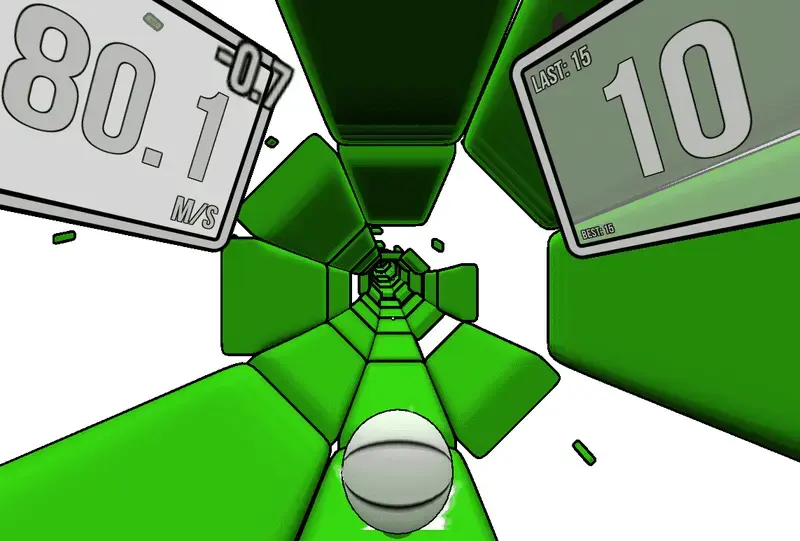
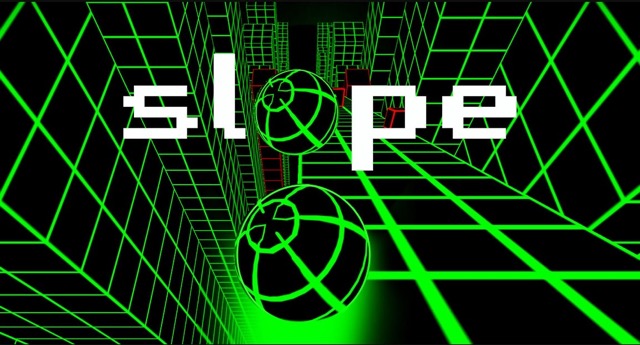
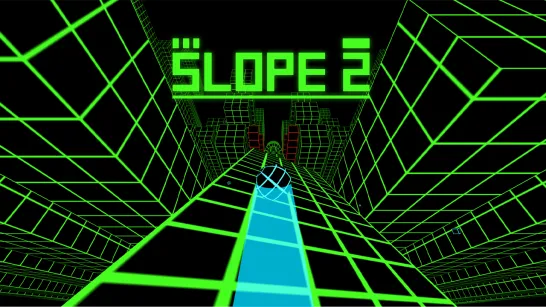
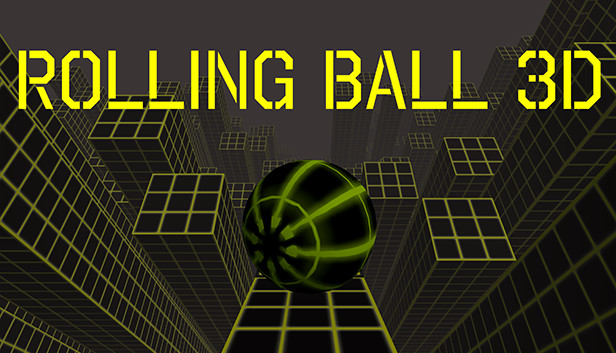
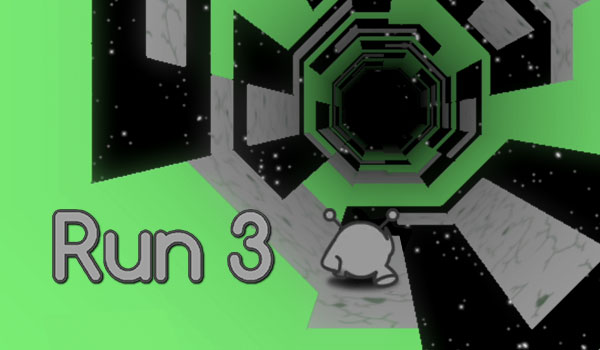
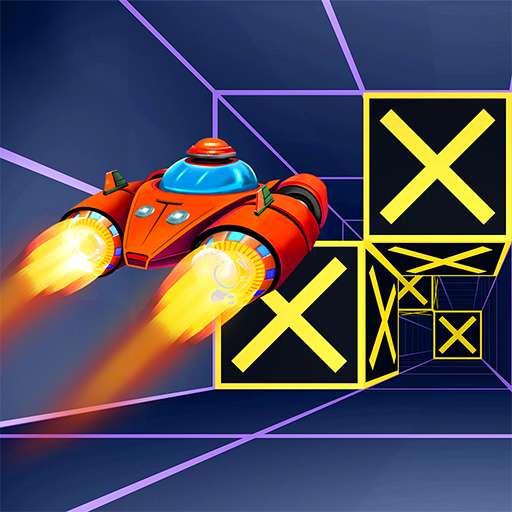
Speed Run 3D takes the player through glowing tunnels with changing obstacle patterns. Directional or drag controls guide the run through openings that become harder to approach as the forward pace increases.
How to Play Speed Run 3D
Read the empty passage through the next formation and position the runner for it. Continue checking farther into the tunnel during the movement so the first correction does not hide the next barrier.
Look Through the Formation
Use the arrow controls or mouse drag to move toward an opening in the tunnel. Read the empty passage through the next formation rather than focusing only on the obstacle nearest the runner. A correction that clears the first barrier should also leave a line through the one behind it.
As forward pace increases, choose the opening earlier so there is time to align without a wide last-second movement.
Controls
| Input | Action |
|---|---|
| Arrow controls or mouse drag | Movement options. |
Practical Tips
- Aim for a passage that remains clear through the whole obstacle, not just its front face.
- Separate one controlled correction from the next instead of dragging continuously across several formations.