











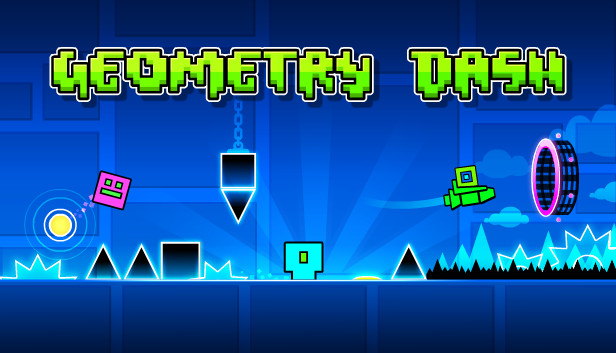








About Geometry Dash Double Wave Pro
Geometry Dash Double Wave Pro puts two wave paths under one control. Each change sends the pair in opposite vertical directions, so clearing an obstacle with one wave can place the other in danger. The task is to get both through the course, with attention split between their next openings.
How to Play Geometry Dash Double Wave Pro
Start a level and watch both paths. With the default blue and pink waves, holding the left mouse button sends blue downward and pink upward. Releasing reverses those directions. An obstacle collision ends the attempt, so decide when to switch by checking the clearance of both waves.
Use the Tighter Path to Set Timing
The two waves move in opposite vertical directions under the same input. With the default colors, holding sends the blue wave downward and the pink wave upward; release reverses both. Look at the next opening on each path before beginning a long hold.
When one corridor is narrower, its clearance may determine the next switch even if the other wave has plenty of room. After a collision, note which wave hit first and adjust timing around that obstacle.
Controls
| Input | Default blue wave | Default pink wave |
|---|---|---|
| Hold left mouse button | Moves diagonally downward. | Moves diagonally upward. |
| Release left mouse button | Moves diagonally upward. | Moves diagonally downward. |
Practical Tips
- Read the next opening for each wave before holding through a long section. The more cramped path should determine when you switch.
- After a collision, identify which wave hit first. Change the timing around that obstacle instead of following only the surviving path.