







1. Dead Slope 3D Overview
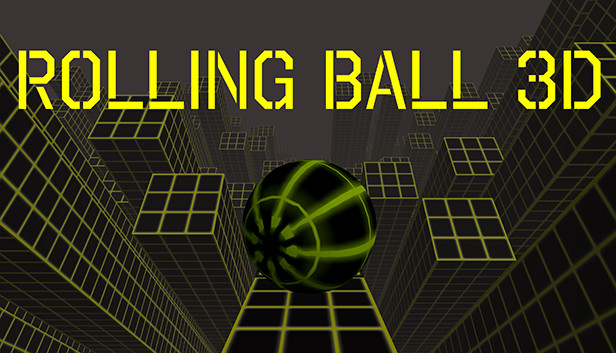
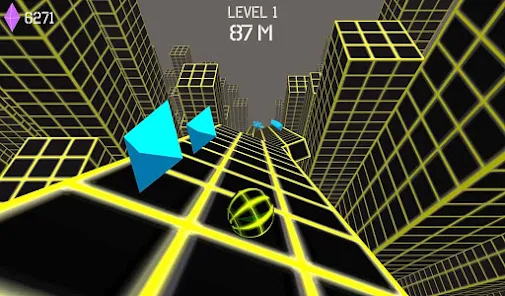
Dead Slope 3D earns its name. Set on the endless, unforgiving slopes of a 3D city environment, it's a game that makes no apologies for its difficulty and no concessions to players who aren't paying full attention. The "dead" in the title isn't just branding — it describes what happens to runs that last just a moment too long without the reflexes to match. Every slope is a threat, every obstacle is permanent, and the city setting gives the whole experience a gritty, high-stakes atmosphere that lighter slope variants don't carry.
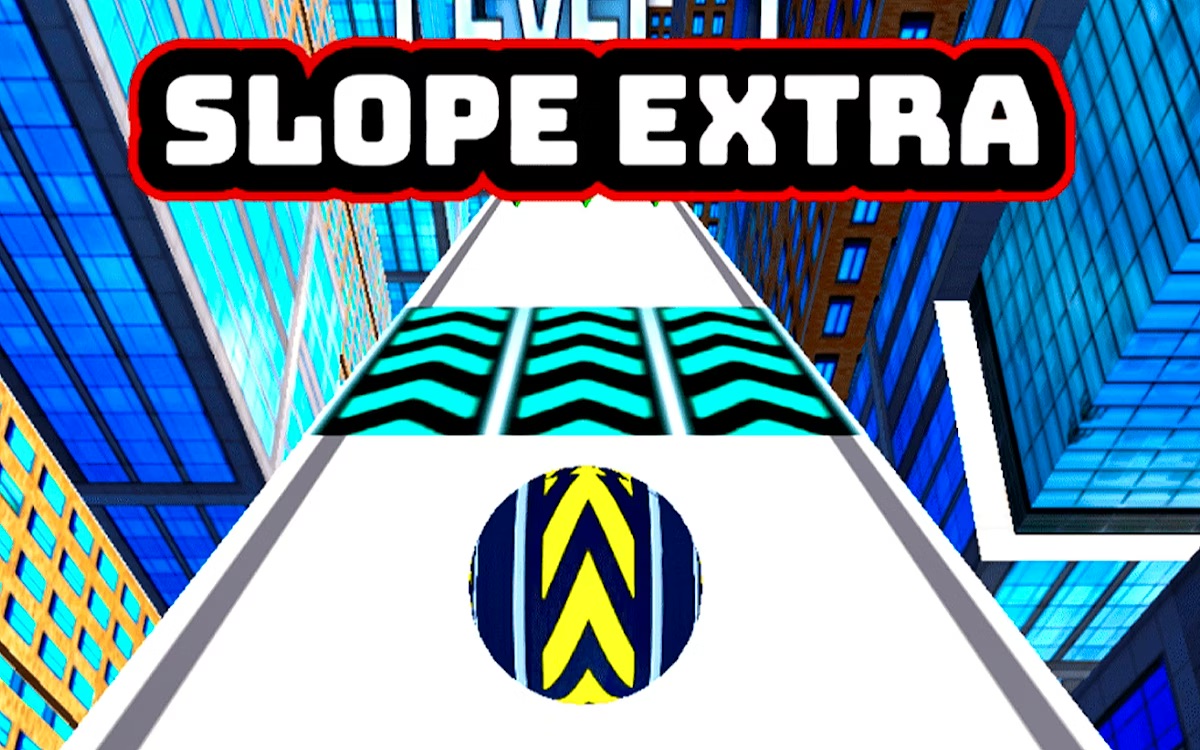
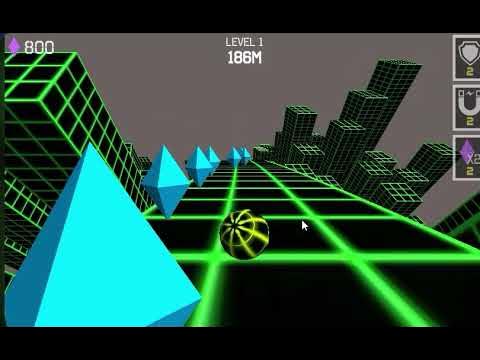
The 3D graphics give the game genuine visual presence. The city slopes feel constructed and real rather than abstract, and the ball's movement through them has a weight and momentum that makes steering decisions feel consequential. Gems scattered across the route add a collection layer that doubles as both a score enhancer and an unlock currency — enough gems and you can bring a new ball to the slopes, giving visual variety to a game that otherwise centers entirely on survival.
What Dead Slope 3D does exceptionally well is the relationship between speed and challenge. The ball's default forward momentum is already brisk; as you progress, speed escalates to a point where reflexes alone can't sustain survival — pattern recognition and anticipation become necessary. Tilt controls add mobile accessibility without sacrificing the precision that arrow-key players expect. The result is a slope game with the visual confidence of its 3D setting and the mechanical honesty of a game that knows exactly what it is: a challenge you'll fail at, come back to, and eventually conquer further than you thought possible.
Key Details:
| Genre: | Endless Runner / 3D Arcade |
| Difficulty Level: | Hard |
| Average Play Time: | 3–10 minutes per run |
| Best For: | Players seeking a challenging, visually grounded slope experience; gem-collection progression fans |
How to Play Dead Slope 3D?
Getting Started:
- The ball begins moving forward automatically — steer from the very first second.
- Use the Left/Right arrow keys to steer the ball, or tilt your device for mobile play.
- Keep the ball on the platform and avoid all obstacles — falling off or colliding ends the run immediately.
- Collect gems scattered along the slopes to accumulate currency for new ball unlocks.
- When the run ends, note your score and restart to push further.
Basic Controls:
| Action | Input |
| Steer Left | ← Left Arrow or device tilt left |
| Steer Right | → Right Arrow or device tilt right |
Objective: Roll the ball as far as possible across the city slopes without falling off the platform or hitting obstacles. Collect gems to unlock new balls and push your distance score further with every run.
Dead Slope 3D Features & Highlights
✓ Fantastic 3D city graphics — a fully realized urban slope environment that gives the game visual weight and atmosphere beyond abstract slope designs
✓ Dual control options — arrow key support for desktop play and device tilt for mobile, covering both platforms with native-feeling input
✓ Gem collection and ball unlocks — a persistent economy that gives every run secondary value beyond the distance score
✓ Escalating speed — the ball's pace increases continuously, transforming the challenge from manageable to demanding without artificial difficulty spikes
✓ Endless racing format — no finish lines, no checkpoints; survival time is the only currency that matters
Dead Slope 3D Tips & Strategies
Beginner Tips:
- Start by learning the platform boundaries before anything else — Dead Slope 3D's city environment can make it harder than usual to read the slope's edges. Train your eye to track the edge in your peripheral vision while your primary focus stays on incoming obstacles.
- Collect gems that are in your natural path rather than deviating significantly for off-route ones; the city slopes are unforgiving, and a gem-chase that takes you near the edge rarely pays off.
- Don't fight the ball's forward momentum — it's always moving forward at pace. Your job is lateral position management, not speed control.
Advanced Strategies:
- At high speeds, let pattern recognition take over from pure reaction — study the types of obstacle arrangements that appear most frequently and develop pre-planned responses for each type before you encounter them mid-run.
- On mobile, calibrate your tilt sensitivity during the early (slower) section of each run — the tilt response that felt comfortable at low speed can become oversensitive at high speed, leading to overcorrection errors.
- Use central platform positioning as your continuous default between obstacles, not just after a near-miss — sustained centered play is the single largest differentiator between short and long runs.
What to Watch Out For:
- Speed milestone jumps: Dead Slope 3D's speed escalation has noticeable intensity increases at certain distance thresholds. If a run suddenly starts feeling significantly harder, you've likely crossed one of these thresholds — recalibrate your input timing immediately rather than continuing with the same reaction speed.
- 3D depth perception: The three-dimensional environment occasionally makes obstacle distance harder to judge than in 2D slope games. When an obstacle appears closer than expected, it almost always is — start your dodge earlier than your instinct suggests.
Dead Slope 3D Elements Explained
3D City Environment: Dead Slope 3D's urban setting is its most distinctive visual feature. Rather than the abstract neon grids or minimal geometric platforms of many slope games, the city environment creates a sense of rolling through actual constructed space — slopes between buildings, platform edges with visible height, and a world that feels physically grounded. This visual grounding affects gameplay: edges are easier to read in a realistic environment than in an abstract one, but the visual complexity of the city also introduces more visual noise that can distract from obstacle processing. Learning to separate relevant gameplay information (slope edges, obstacles, gems) from environmental detail (building facades, city backdrop) is a meaningful early skill.
Gem Collection System: Gems are placed throughout the city slopes in clusters and singles, collectible by rolling over them. They accumulate in your persistent balance across sessions and are spent to unlock new ball designs in the shop. Because gem balance carries over even from failed runs, every session contributes to your long-term progression — a run that ends in 20 seconds still adds gems toward your next unlock. The placement of gems on the slope is intentional: central gems are safe collection opportunities; edge gems and obstacle-adjacent gems represent risk-reward decisions. Developing a feel for which gems are efficiently collectible versus dangerously positioned is a skill that develops naturally with experience.
Speed and Difficulty Escalation: Dead Slope 3D's difficulty engine is its speed progression. The ball's forward momentum is fixed — players control only lateral position — and that momentum increases continuously throughout a run. Early sections move at a pace where obstacle avoidance feels measured and recoverable; later sections move fast enough that the difference between a correct response and a failed one is measured in fractions of a second. The city slope environment amplifies this because 3D depth makes distant obstacles arrive faster perceptually than flat 2D equivalents. Developing the combination of pattern recognition (knowing what to do before the obstacle arrives) and physical reflex (executing it quickly enough) is what Dead Slope 3D's speed progression is ultimately training you for.
Dead Slope 3D Frequently Asked Questions
Q: How do I unlock new balls in Dead Slope 3D? A: Collect gems during runs to build your balance, then visit the shop between runs. Browse the available ball designs, check each one's gem cost, and purchase the one you want when your balance is sufficient.
Q: What should I do if I keep losing on the same slope section? A: You're likely arriving at that section from an off-center position or at a speed that leaves insufficient reaction time. Focus on being centered before you reach the problem section, and begin your obstacle response earlier — one full beat earlier than you currently do — to give yourself more margin.
Q: Does the tilt control work as well as arrow keys? A: On a compatible mobile device, tilt control provides an intuitive input method that many players prefer. Calibrate your tilt sensitivity during a low-stakes early run section and adjust your device's sensitivity settings if available. Arrow key control is recommended for desktop play.
Q: Is Dead Slope 3D available on mobile? A: Yes — Dead Slope 3D supports device tilt controls specifically for mobile play, making it compatible with both smartphone and tablet browsers in addition to desktop keyboard play.
Q: Can I save my gem balance between sessions? A: Yes — your gem balance and unlocked balls are stored in your browser between sessions. Clearing browser data or cookies may reset your progress.