
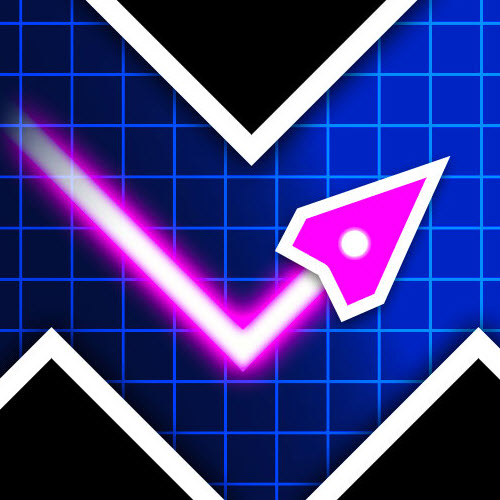
About Geometry Vibes
Geometry Vibes guides an arrow through incoming geometric hazards with held ascent and released descent. Classic levels, Endless survival and local Race play use that movement for different goals. Choose whether the attempt is about reaching a course ending, extending survival or finishing ahead of another player.
How to Play Geometry Vibes
Choose Classic to practise individual stages, Endless for a distance run, or Race for local play. Hold your assigned input to rise and release to descend. In a shared-keyboard race, Player 1 uses the mouse or Space while Player 2 uses Up; do not treat Up as a shared control for both players.
Choose a Mode and Its Control Set
Classic gives you stages to complete, Endless focuses on survival, and Race supports local competition. In every mode, holding the assigned input raises the arrow and releasing it sends the path downward. Plan each peak and valley around the corridor ahead.
For a shared-keyboard race, use the correct row of the control table: Player 1 has mouse or Space, Player 2 uses Up, Player 3 uses H and Player 4 uses L. Solo Up is not shared with Player 1 in the race layout.
Controls
| Input | Action |
|---|---|
| Solo: hold left mouse button / Up Arrow | Rise; release to descend. |
| Local race — Player 1: left mouse / Space | Hold to rise; release to descend. |
| Local race — Player 2: Up Arrow | Hold to rise; release to descend. |
| Local race — Player 3: H | Hold to rise; release to descend. |
| Local race — Player 4: L | Hold to rise; release to descend. |
Practical Tips
- Choose each peak and valley so the following turn still has room.
- Read the mode goal before treating an ending portal as part of an endless course.
Frequently Asked Questions
Are all modes designed for an unlimited run?
No. Classic uses levels, Endless focuses on survival and Race supports local competition.