



Neon Ball Run
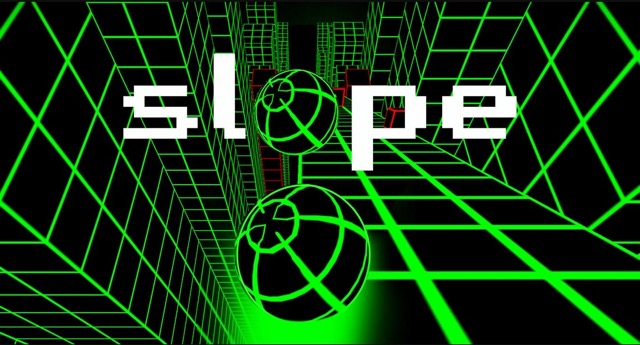
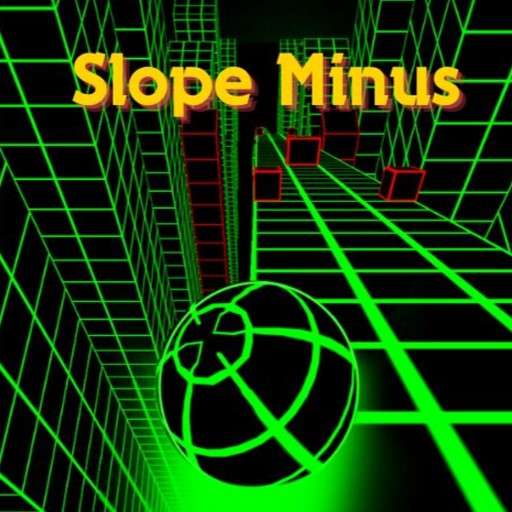
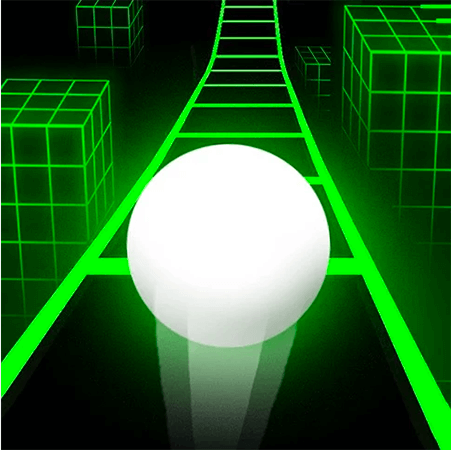
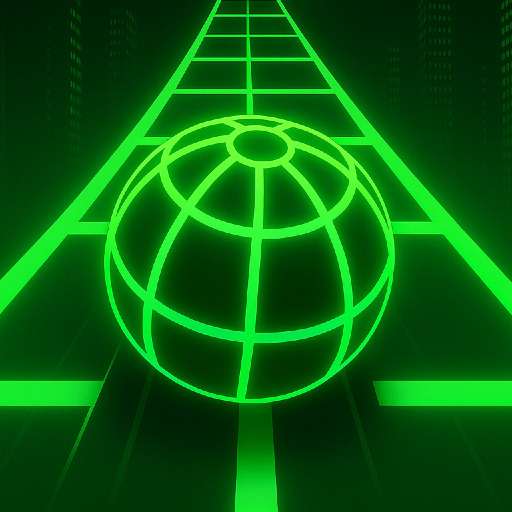
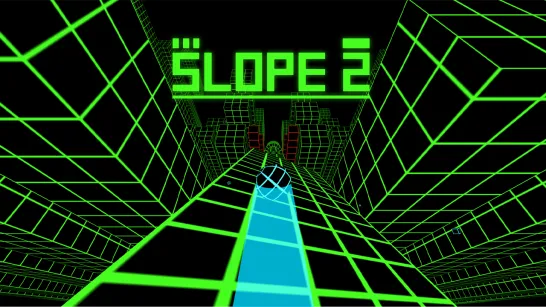
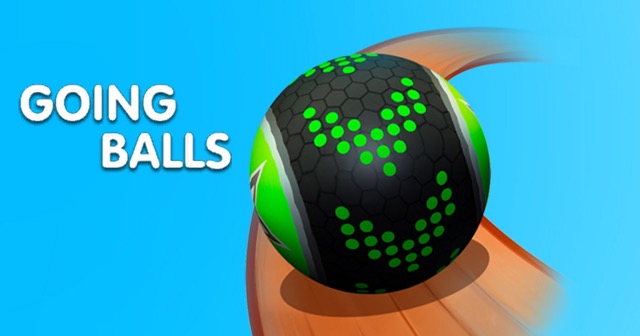
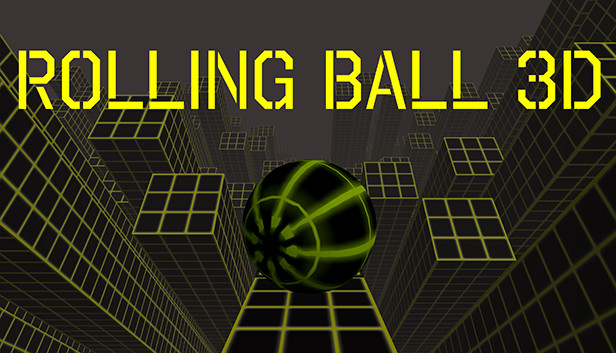
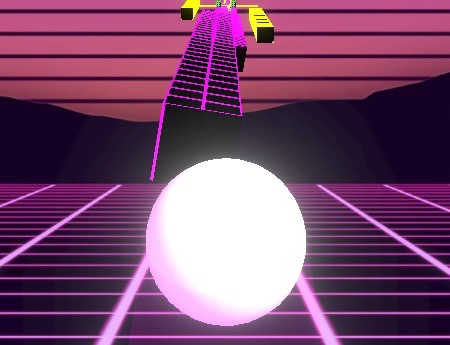
Neon Ball Run is a vibrant, colourful platform ball-rolling game that wraps the endless runner formula in one of its most visually striking presentations. Bright neon platforms glow against a vivid backdrop, creating a sensory experience that feels energetic and alive from the first second of every run. The aesthetic isn't just decorative — the high-contrast neon design makes platform edges, obstacles, and collectibles pop with instant clarity, even at the game's highest speeds.
Your task is deceptively simple: control a ball rolling across suspended neon platforms, avoid obstacles, and travel as far as possible without falling off. But Neon Ball Run layers two compelling motivators on top of that survival challenge. First, the platform design itself — unpredictable layouts, sharp angles, and edges that offer no forgiveness to imprecise play. Second, a coin collection system that funds upgrades and unlocks new items in the in-game warehouse, giving every run a persistent reward dimension regardless of how far the ball travels.
The mouse-based control scheme sets Neon Ball Run apart from the keyboard-heavy Slope family. Mouse control introduces a different kind of precision — smoother, more analogue, and more directly tied to the physical movement of your hand. Players transitioning from arrow-key runners often find the mouse control initially unfamiliar but ultimately more intuitive for the fine positional adjustments the neon platforms demand.
The game pairs its visual energy with music designed to keep you in the zone — a soundtrack that complements the pace of play and makes long runs feel immersive rather than stressful. If you want a ball-rolling experience that looks and sounds as good as it plays, Neon Ball Run delivers it.
Key Details:
| Field | Info |
|---|---|
| Genre | Endless Runner / Arcade |
| Difficulty Level | Variable (escalates with platform complexity) |
| Average Play Time | 2–10 minutes per run |
| Best For | Casual players, visual experience seekers, upgrade-system fans |
How to Play Neon Ball Run?
Getting Started:
- Launch the game — the ball begins rolling across the neon platforms automatically.
- Use the mouse to steer and balance the ball along the platform surface.
- Avoid the edges of each platform — falling off ends the run immediately.
- Steer around obstacles that appear on the platform path.
- Collect coins along the route to accumulate currency for warehouse upgrades and new items.
Basic Controls:
| Input | Action |
|---|---|
| Mouse Movement | Steer and balance the ball |
Objective: Keep the ball rolling across the neon platforms as far as possible without falling off an edge or colliding with an obstacle. Collect coins along the way to build your upgrade currency. The run ends the moment the ball leaves the platform surface. Your score reflects the total distance travelled — the further you go, the higher it climbs.
Neon Ball Run Features & Highlights
✓ Vivid neon platform design — High-contrast glowing visuals that make platform edges, obstacles, and collectibles instantly readable at any speed, while creating an immersive and energetic atmosphere.
✓ Mouse-based precision control — A smooth, analogue steering input that rewards fine hand movements and offers a more physically intuitive control experience than keyboard-only alternatives.
✓ Coin collection and warehouse system — Gather coins during runs to unlock upgrades and discover new items in the warehouse, adding a persistent reward loop that makes every run count.
✓ Music-driven gameplay atmosphere — A soundtrack designed to complement the pace of play and sustain focus across long runs, making the experience feel immersive rather than purely mechanical.
✓ Endless platform variety — Procedurally varied platform layouts that keep each run visually and spatially fresh, with no two sessions following the same path.
Neon Ball Run Tips & Strategies
Beginner Tips:
- Use small, slow mouse movements, not large sweeping ones. The mouse control is more sensitive than it initially appears. Large movements send the ball toward the platform edge faster than you can correct. Small, deliberate steering adjustments give you far more control and allow recovery from near-edge moments.
- Keep the ball near the centre of the platform by default. The neon platform edges are your primary hazard. Maintaining a centre position at all times gives you the maximum margin for correction in either direction when an obstacle or tight section appears.
- Collect coins on your natural path first. Coins that sit directly in front of you are always worth taking. Coins near the platform edge or behind obstacles require a deliberate deviation — only chase these when you're confident the path to them is safe.
Advanced Strategies:
- Use the music's rhythm as a pacing guide. Neon Ball Run's soundtrack is designed to match the game's pace. Players who sync their steering decisions to the music's rhythm rather than making purely reactive adjustments tend to run more smoothly and recover from near-edge moments more reliably.
- Prioritise warehouse upgrades that extend safe platform area or improve ball handling. Upgrades that directly reduce the likelihood of edge falls — handling improvements, stability boosts — compound in value across every subsequent run. Cosmetic or speed upgrades are best saved for after your navigation fundamentals are stable.
- Slow your mouse movement pace before sharp platform angles. When the neon platform ahead narrows or angles sharply, reduce your mouse movement speed before reaching the section rather than maintaining pace and reacting to it. Pre-emptive slowing provides more control on the critical section than emergency corrections after you've already entered it.
What to Watch Out For:
- Platform edge glow creating false depth perception. The neon glow on platform edges can make the edge appear further away than it is. When you're approaching an edge while steering, the glow halo extends visually beyond the actual surface. Factor this in — the true edge is slightly inside the outer glow line, not at its outer boundary.
- Obstacle placement near narrow platform sections. The game's most challenging configurations combine a narrow platform section with an obstacle positioned mid-path, forcing the ball to navigate around the obstacle with very little platform width to either side. When you see a narrow section approaching, slow down and identify the obstacle's position before entering rather than steering around it at speed.
Neon Ball Run Elements Explained
Neon Visual & Platform System
The neon visual design in Neon Ball Run is the game's most immediately distinctive feature and one that serves both aesthetic and functional purposes simultaneously. The bright, high-contrast glow of every platform element — surface, edge, obstacle, and coin — against a darker backdrop creates a visual clarity that most ball-rolling games don't achieve. At high speed, knowing exactly where the edge is and where each obstacle sits relative to your ball is a genuine performance advantage, and the neon palette delivers that clarity more reliably than the more subdued palettes of comparable runners.
The platform layouts themselves are generated with variety across runs, presenting different widths, angles, and configurations that keep each session spatially fresh. Some platforms are generously wide with clear navigational options; others are narrow channels that demand precise centring; others still feature multiple platforms at different heights that require the ball to transition between levels. The neon visualisation of these different platform types makes their geometry immediately legible — narrow channels glow with compressed intensity, wide sections with expansive spread — giving experienced players a moment of visual pre-reading before they physically arrive at each section.
Coin & Warehouse System
The coin and warehouse system gives Neon Ball Run a persistent progression loop that extends the game's appeal well beyond the individual run. Coins appear on the platform surface during runs and are collected automatically when the ball rolls over them. They accumulate across sessions and are spent in the warehouse — an in-game shop offering upgrades and new items that improve performance or add variety to the rolling experience.
The system's value is two-fold. For casual players, the warehouse gives each session a tangible forward motion: even a short run that ends early still collected some coins and moved the warehouse progress forward, making the experience feel productive rather than simply repetitive. For more engaged players, the upgrade system provides a means of directly addressing the specific weaknesses that are limiting their run length — a targeted investment in performance improvement rather than passive cosmetic collection.
The most strategically valuable warehouse items are those that directly improve ball handling and platform stability — the attributes most closely tied to the edge-avoidance challenge that defines Neon Ball Run's core difficulty. Players who invest in these categories first consistently achieve longer runs than those who spend warehouse coins on aesthetic items before establishing a reliable navigation baseline.
Music & Atmosphere System
Neon Ball Run's music system is designed as an active gameplay complement rather than background decoration. The soundtrack's tempo and rhythm are calibrated to the game's natural play pace — the speed at which a well-controlled ball rolls across the neon platforms in the early-to-middle stage of a run. This synchronisation means that players who tune into the music rather than playing in silent focus receive a consistent rhythmic guide for their steering decisions.
The relationship between music and control is most useful in two specific scenarios. First, during long straight platform sections where the ball is stable and the temptation is to accelerate aggressively — the music's steady rhythm encourages consistent pace rather than speed escalation. Second, during recovery moments after a near-edge incident, when a player's focus has narrowed to the immediate hazard — the continuing music provides a stabilising background rhythm that prevents panic steering.
The neon visual aesthetic and the musical atmosphere work together to create the game's defining quality: a relaxed intensity that makes difficult runs feel immersive and focused rather than stressful. Players who engage with both systems simultaneously — reading the neon visuals ahead while feeling the music's rhythm — report consistently more controlled and enjoyable runs than those who treat the game as a purely visual reaction challenge.
Neon Ball Run Frequently Asked Questions
Q: How do I steer the ball precisely with the mouse? A: Move the mouse slowly and deliberately in the direction you want the ball to travel — small movements give you the most control. Large, fast mouse movements tend to oversteer the ball toward the platform edge faster than you can correct. Think of the mouse control as a balance tool rather than a steering wheel: subtle adjustments keep the ball centred, while large movements create the edge-drift that ends most runs.
Q: What should I do if the ball keeps drifting toward the platform edge? A: Edge drift almost always comes from mouse movements that are slightly too large or too fast for the current platform width. The adjustment is to slow your mouse movement speed and reduce the amplitude of your corrections. If you're on a narrow platform section, treat your mouse as if it has a much smaller range of motion than normal — this mental constraint naturally produces the smaller inputs the narrow platform requires.
Q: How do I access and use the warehouse? A: The warehouse is accessible from the game's main menu between runs. Coins collected during runs appear in your total balance, which you can spend on available upgrades and items. Check the warehouse regularly between sessions to see what new items have become available as your coin total grows, and prioritise purchases that address the specific challenge currently limiting your run length.
Q: Can I play Neon Ball Run on mobile devices? A: Neon Ball Run's mouse-based control scheme is compatible with touchscreen devices — touch and drag inputs function as mouse movement equivalents on mobile browsers. The game is playable on smartphones and tablets without requiring a keyboard. Touchscreen play may require a brief adjustment period for players accustomed to mouse input, but the core control mechanic translates well to touch.
Q: Does the game get harder the further I run? A: Yes — platform complexity increases progressively as the run extends. Early platforms are wider and more straightforwardly laid out, giving new players time to develop mouse control fundamentals. Further into a run, platform widths narrow, angles sharpen, and obstacle density increases. The ball's speed may also escalate, compressing the reaction time available for each steering decision. This escalation is gradual enough to feel natural rather than sudden, but significant enough that the late stages of a long run are categorically more demanding than the opening.