




























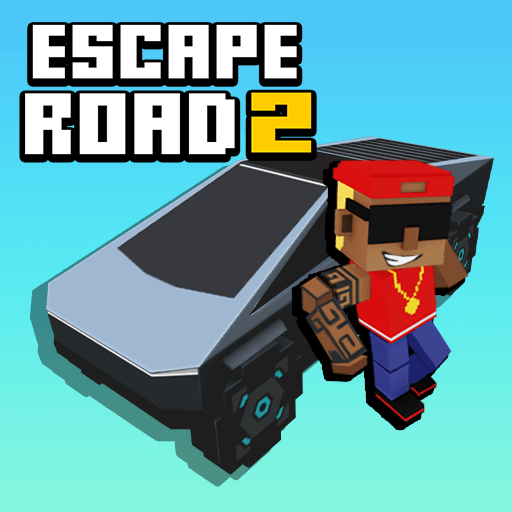
About Escape Road 2
Escape Road 2 adds leaving and entering vehicles to a police-chase driving game. A damaged or trapped car no longer has to be the whole escape plan: the useful decision is whether staying behind the wheel still offers an open route or whether another vehicle provides a way to continue.
How to Play Escape Road 2
Steer with A/D or the left and right arrows, and use S or the down arrow to reverse. Press Space to enter or exit a vehicle. Before abandoning a car, inspect the nearby open space and the next vehicle so the exit becomes a route change rather than a pause beside the pursuers.
Make a Vehicle Change a Route Change
Before pressing Space to leave a car, look for open ground and a reachable next vehicle. If the current car still has an escape route, switching beside a group of pursuers may cost the time needed to use it. A trapped car makes a change more useful when the exit leads toward somewhere you can continue.
After entering another vehicle, choose the next junction rather than circling automatically through the same crowded block. Use reverse when it creates room to steer out.
Controls
| Input | Action |
|---|---|
| A / D or Left / Right Arrow | Steer. |
| S / Down Arrow | Reverse. |
| Space | Enter or exit a vehicle. |
Practical Tips
- Look for an onward vehicle before leaving a car that still moves.
- Use a junction to create a new escape line rather than repeatedly circling through the same crowded block.
Frequently Asked Questions
When is changing vehicles useful?
Consider it when the current car is trapped or no longer provides a clear route. The next vehicle's position and escape space matter more than switching for its appearance alone.