




























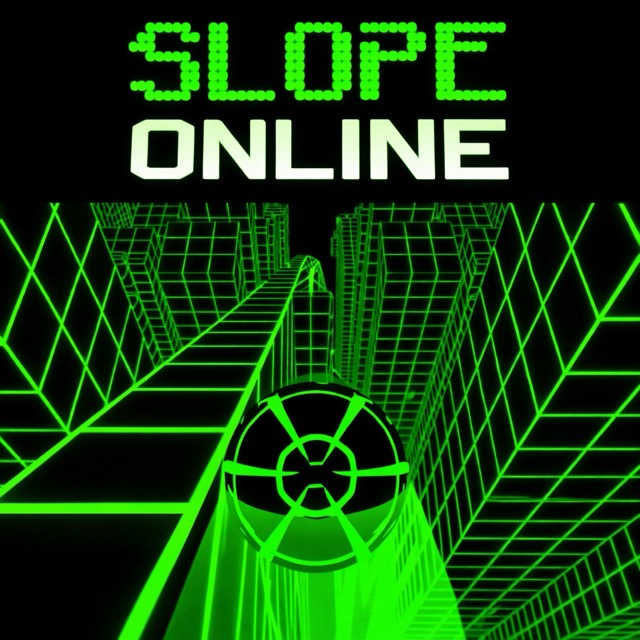
About Slope Online
Slope Online is a downhill ball run through red obstacles, narrow paths and breaks in the track. The ball accelerates automatically, so the challenge shifts from finding an opening to finding it early enough. The platform edges are useful guides to where a movement should finish.
How to Play Slope Online
Steer with Left and Right Arrow or A and D. Look beyond the nearest red block and follow a connected line through the course. At a drop, find the landing platform before leaving the current one; prepare its approach while there is still road available to move across.
Aim Past the Nearest Red Block
The ball accelerates automatically, so the first open space beside a block is only part of the route decision. Look past the obstacle for a connected strip, steer toward it while there is room, and stop the correction when the ball is aligned.
At a drop, identify the receiving platform before leaving the current one. Preparing the approach early becomes more useful as the faster pace reduces the time available for a later adjustment.
Controls
| Input | Action |
|---|---|
| Left Arrow or A | Steer left. |
| Right Arrow or D | Steer right. |
Practical Tips
- Judge the landing from the far platform’s edges, not from the center of the screen. Perspective can make an offset platform look aligned.
- After landing, check whether the route continues straight or bends before adding another correction.