















About Geometry Dash Meltdown
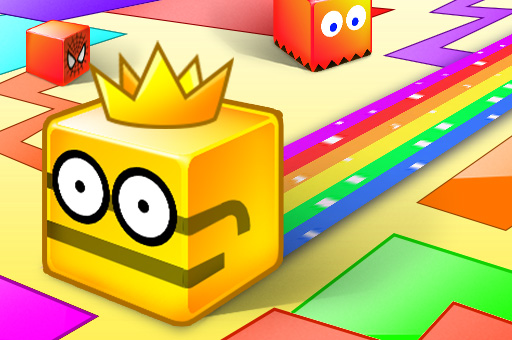
Geometry Dash Meltdown’s independent browser adaptation by DashedUp uses an automatically moving cube that turns obstacle sequences into a timing problem: choose a jump point that clears the spikes and leaves a safe landing. Flight sections change the task from a single jump to controlling the duration of a held input.
How to Play Geometry Dash Meltdown
Press Space, Up Arrow or the left mouse button to jump. Tap the screen to jump on a touchscreen. During flight, hold the action button to sustain flight and adjust your timing to the passage ahead. Read a portal's exit before repeating the previous section's input pattern.
Adjust Between Jump and Flight
On the ground, choose a jump point that clears the spikes and leaves a safe landing. In a flight section, the duration of the held action becomes part of the route, so watch the space ahead while deciding when to continue or change the input.
At a portal, read the exit before repeating the earlier pattern. Learn the first movement in the new form with the next hazard in view, then connect it to the sequence that follows.
Controls
| Input | Action |
|---|---|
| Space / Up Arrow / left mouse button / screen tap | Primary jump action. |
| Hold the action input during flight | Sustain the flight action. |
Practical Tips
- Watch the next landing as well as the spike you are clearing.
- After a form change, learn the new input duration before trying to copy the earlier rhythm.